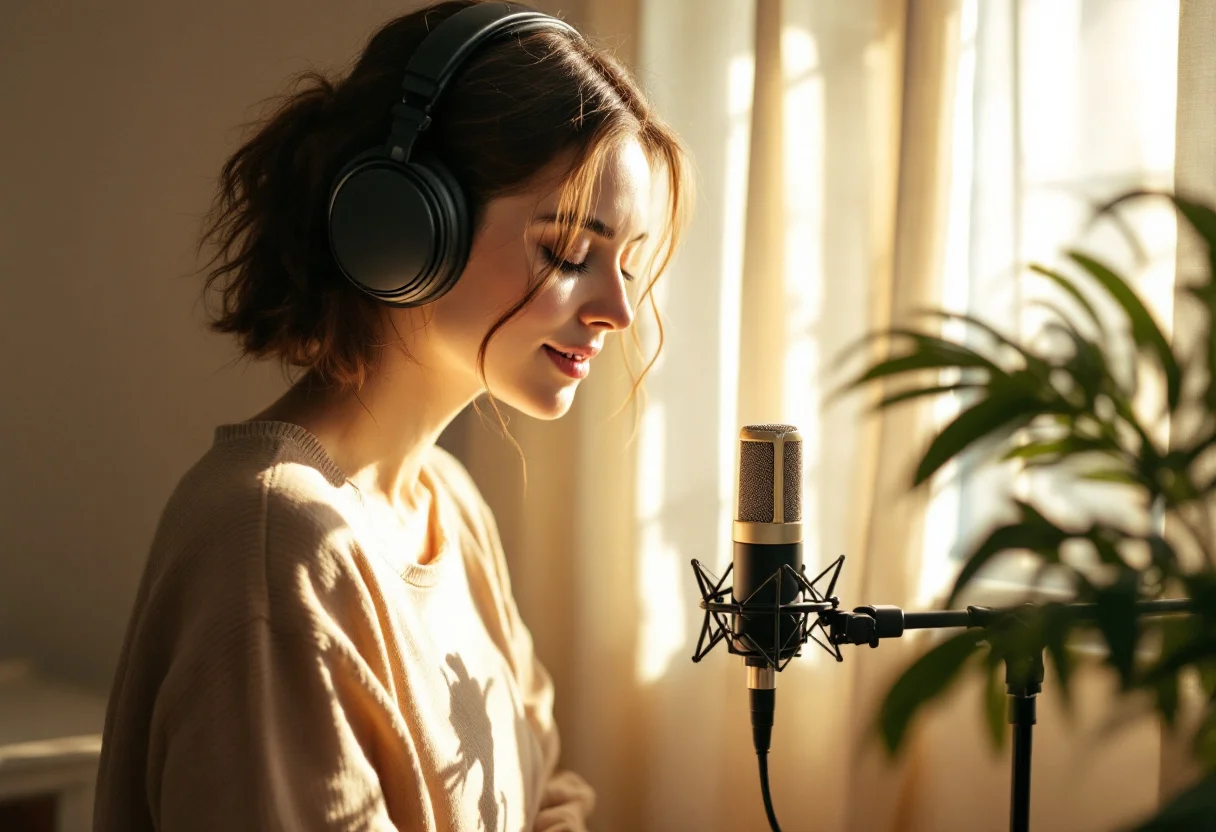
Multilingual AI voice in 2026: one video for several countries
In 2026, the best AI voices are almost impossible to tell apart from a human voice, and they speak many languages with a natural accent. For creators and brands, this is a major change: the same video, ad or course can be adapted for several markets in a few minutes, without a studio or a voice actor in each country.
This guide focuses on that use: producing and localising voice-overs in several languages. For fine-tuning a voice (stability, similarity, script writing), see our ElevenLabs guide.
The main multilingual voice tools
| Tool | Languages | Strengths | Starting price (indicative) |
|---|---|---|---|
| iafetch | 29 (ElevenLabs Multilingual v2) | Voices, images, videos and copy in one subscription | €19 / month |
| ElevenLabs | 29 and more | Very large voice library, cloning | about $5 / month |
| Murf AI | 20 and more | Built for presentations and e-learning | about $19 / month |
| PlayHT | 100 and more | Many languages and accents | about $30 / month |
Third-party prices are indicative and change often: check them on their websites.
Which languages are available?
ElevenLabs Multilingual v2, the model used by iafetch, covers 29 languages. Among the most requested:
- Europe: English, French, Spanish, German, Italian, Portuguese, Dutch, Polish, Swedish
- Middle East and Africa: Arabic, Turkish
- Asia: Hindi, Japanese, Korean, Chinese, Indonesian, Filipino
The same voice keeps its tone from one language to another: your brand keeps a consistent sound across all its markets.
Localise a video in five steps
- Write the reference script in your language, with short sentences and a clear rhythm
- Adapt it for each market with the Copy module: ask for an adaptation, not a word-for-word translation (idioms, units, prices, local references)
- Have each version reviewed by someone who speaks the language, at least for ads
- Generate the voice-over for each version with the same voice and the same context
- Replace the audio track in your edit and adapt the captions
Result: a campaign available in four or five languages in half a day, where studio recordings in each country would take weeks.
Translate or adapt?
A literal translation rarely sounds natural when spoken. A few rules so that each version sounds written for its audience:
- Length changes from one language to another: German or French text is often longer than English; shorten it to keep the same duration
- Idioms do not translate: replace them with a local equivalent
- Numbers and prices: write them the way they are said in the language, with the right currency
- Tone: informal or formal address and the level of formality vary by country
How much does a multilingual voice-over cost?
On iafetch, a voice-over costs 2 credits up to 300 characters (about 20 seconds), then 1 credit per extra 150 characters. A 30-second ad therefore comes to about 3 credits per language, around fifteen credits for five languages. With the Creator plan (€19 for 100 credits), that is about €3, where a studio recording costs tens or hundreds of euros per language.
The most profitable use cases
For content creators
- Multilingual versions of a YouTube video to reach new audiences
- Shorts, TikToks and Reels adapted by country with an AI voice on clips generated with Kling or Hailuo
- Short podcasts and audio summaries in several languages
For brands and agencies
- Ads adapted to the language of each market
- Product videos and demos for international e-commerce sites
- Multilingual training and tutorials without a studio
- Greeting messages and phone menus by country
Generate a voice-over step by step
- Create your iafetch account (10 free credits, no credit card)
- Open the Voice module from the dashboard
- Pick a voice (Adam, Sarah, Liam or Charlotte) and a context (marketing, storytelling, e-learning, expressive)
- Paste your text, directly in the target language
- Check the displayed cost, generate and download the file
Frequently asked questions
Do I need a different voice for each language?
No. The same voice reads every supported language while keeping its tone. Use the same voice across all versions for a consistent identity.
Is AI audio allowed on the platforms?
Yes. YouTube, Spotify and the other major platforms accept AI audio; some ask you to label AI-generated content, YouTube in particular for realistic content.
What is the difference with a direct ElevenLabs subscription?
With ElevenLabs alone, you only generate audio. With iafetch, ElevenLabs voices come with images, videos, copy and the prompt generator: you adapt the script, create the video and generate the voice in one place.
Read next: the ElevenLabs settings guide · iafetch vs ElevenLabs · AI for agencies · pricing